The world went from large cinema screens to watching movies and TV shows on a small mobile screen, and yet the video quality just keeps increasing. There are many sources and apps you can use to access such content on your mobile phone, but one simply stands out!
Subscription tiers
The Netflix Android app operates on a subscription-based model. There are three main plans to choose from: an ad-supported tier, a Standard plan, and a Premium plan. The main differences lie in the number of devices you can use at the same time and the availability of Ultra HD quality (available only in the Premium plan). The final cost depends on the tier chosen.Navigation and discovery
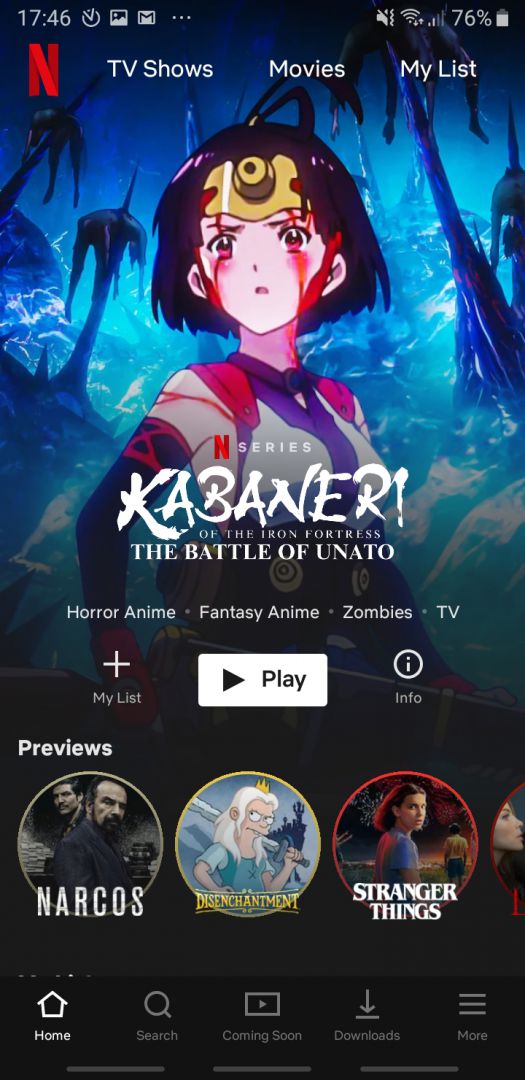
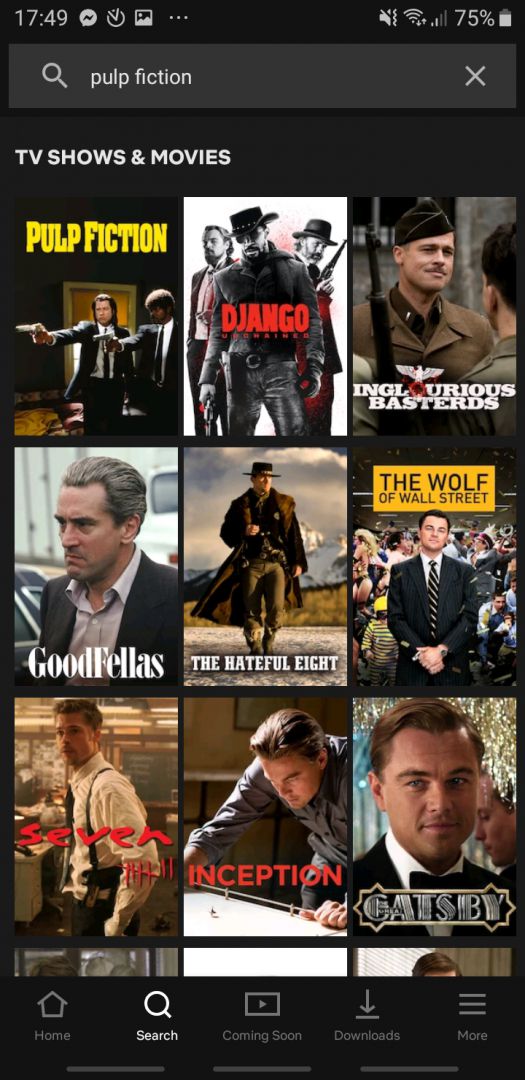
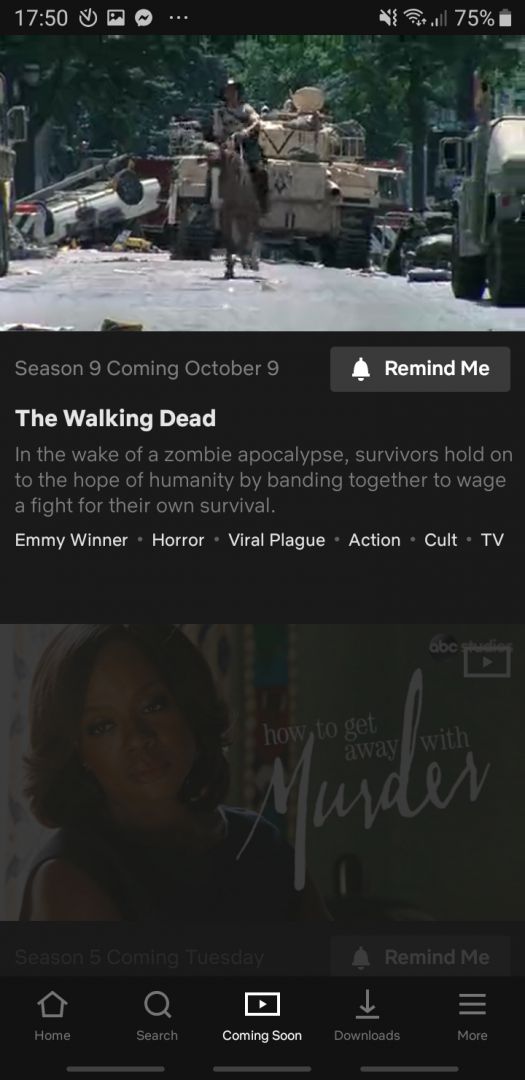
The app's design is clean and modern with a black background. Thanks to steady updates over the years, there are now four main tabs to navigate from the menu at the bottom. The Home tab is where you can discover new shows and movies to watch. The Search tab is used when you already know what you want to watch! It also displays movies similar to the one you searched for. A Clips feed offers vertical, bite-sized previews of upcoming or trending content, while the My Netflix tab conveniently houses your downloads, watch lists, and account settings.Offline viewing and profiles
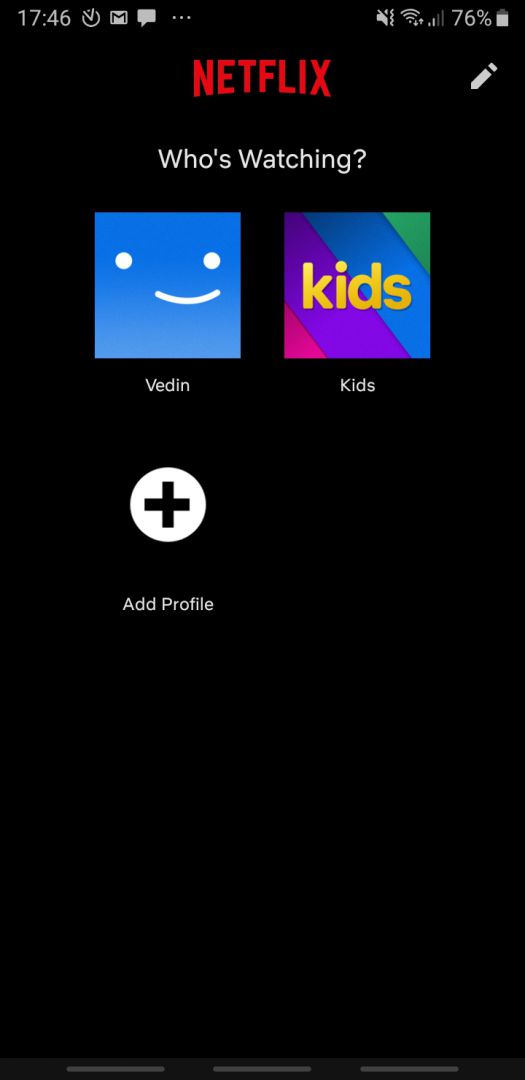
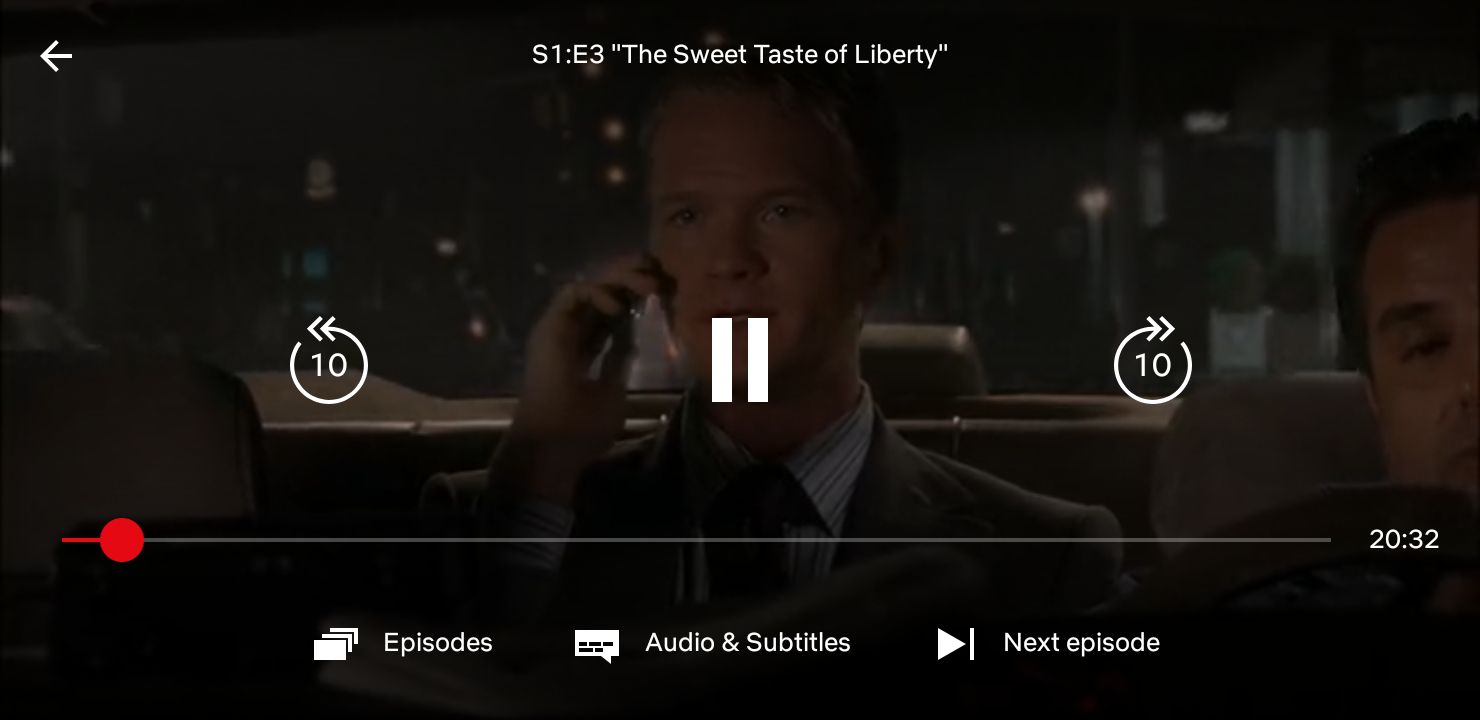
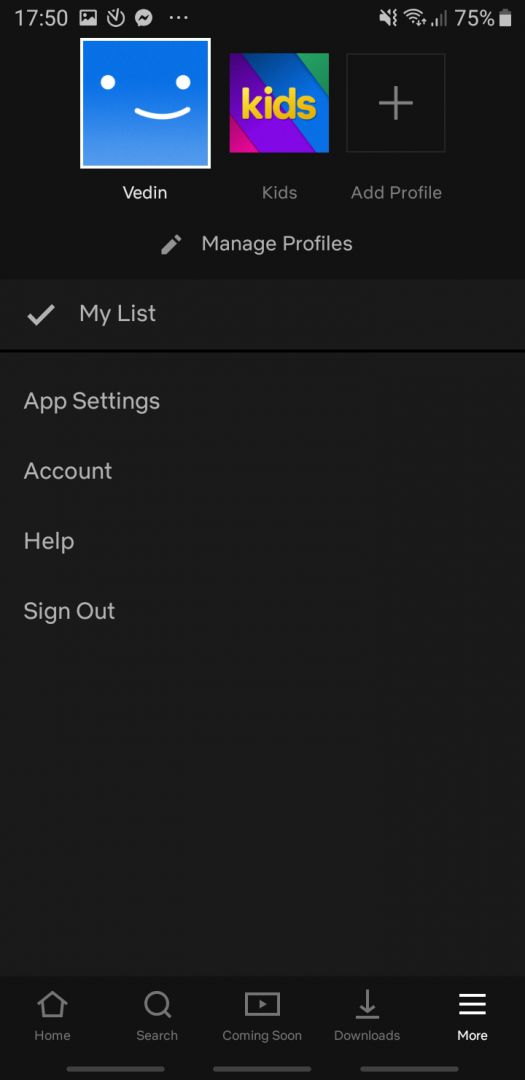
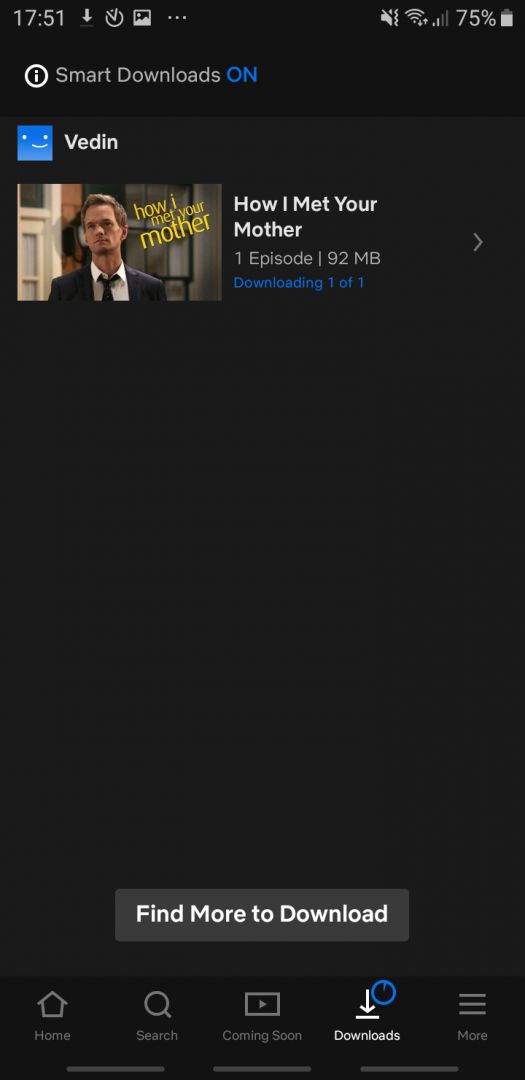
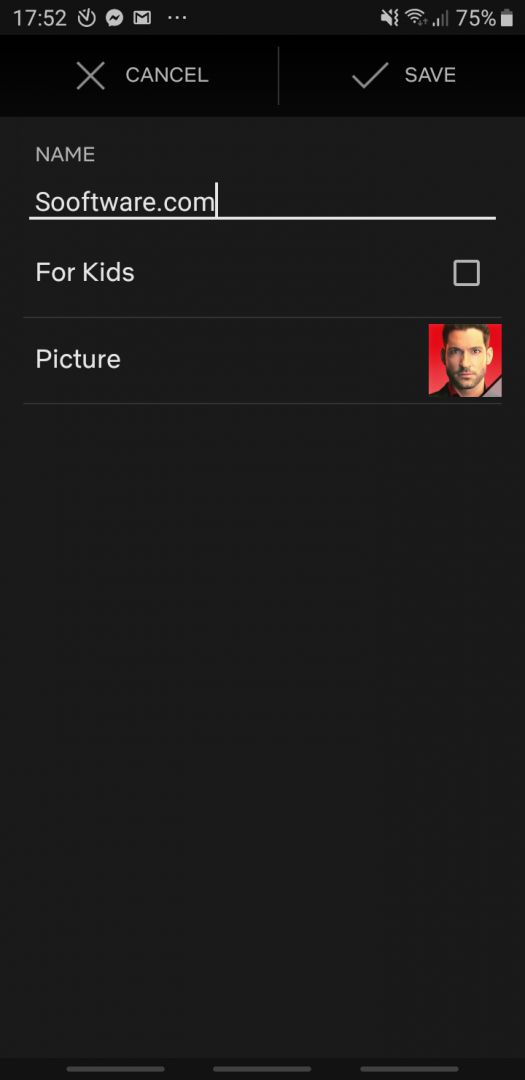
Almost everything on Netflix can be downloaded to your device to watch later. You can choose to download in Standard or High quality. However, when streaming a show or a movie, you are unable to change the quality of the video, as it adapts to your internet connection. You can have multiple profiles on a single device so that you can watch and show interest in different shows.A solid mobile entertainment hub
Everything about the app works almost flawlessly. While Netflix operates on a month-to-month subscription, you can easily cancel anytime. Upgrading to the Premium plan to support up to four devices at once remains a great value, making the app definitely worth it for dedicated movie and TV fans.